Gerber to STEP: export your PCB to mechanical CAD
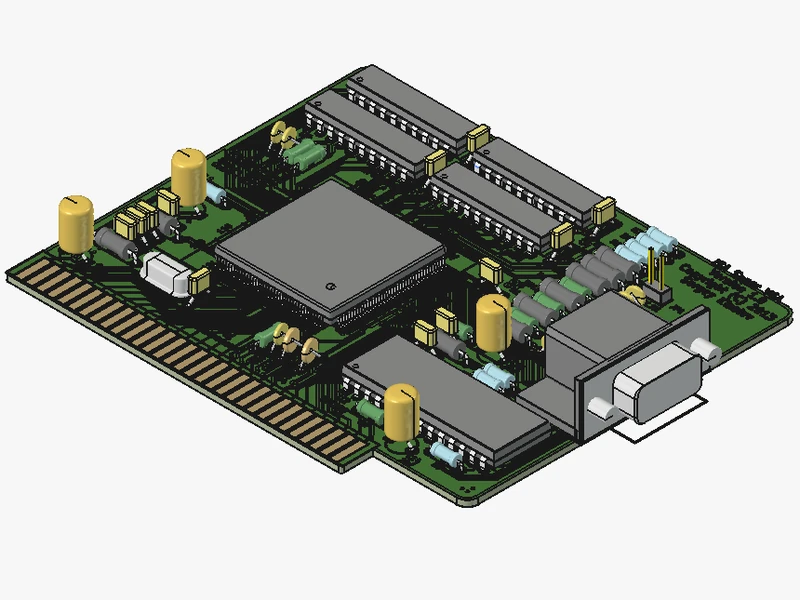
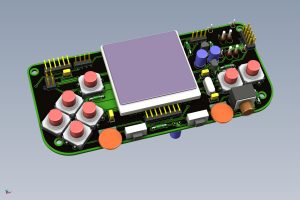
Turn Gerber, ODB++ or IPC-2581 files into a complete 3D STEP model of the assembled board. ZofzPCB builds the components from their footprints, so you only add models for the special parts.
Includes the STEP Export plugin free for 30 days. Free version forever after. No credit card required.
Opens in SolidWorks · Fusion 360 · FreeCAD · CATIA · any STEP AP214 tool


Why ZofzPCB for Gerber to STEP
No hunting for 3D models
ZofzPCB builds every typical component from its footprint. You only add STEP models for mechanically critical parts, such as special connectors or switches.
Any ECAD to any MCAD
ZofzPCB connects virtually any electronic design software to any mechanical CAD.
Gerber · ODB++ · IPC-2581 → STEP AP214
A clean assembly tree
Every component is a separate body, placed individually and named Value(RefID), so your MCAD assembly is readable from the start.
One export, three uses
Mechanical CAD
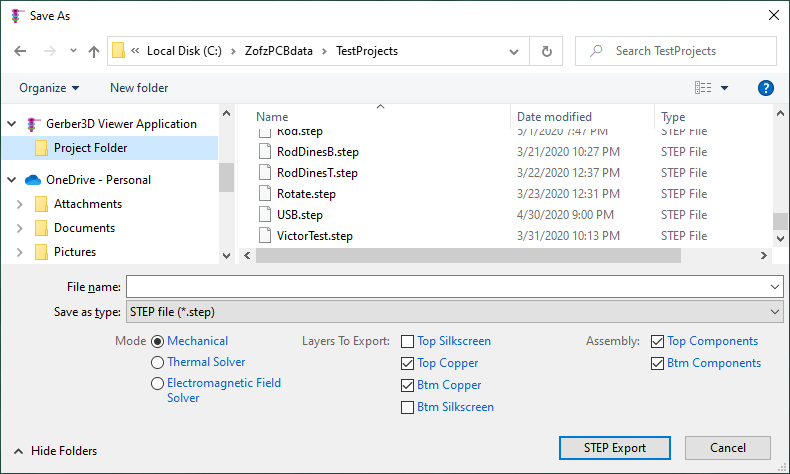
Mechanical modeHand the board to SolidWorks, Fusion 360, FreeCAD or any STEP tool, with every component in place, for enclosure design and fit checks. Choose which objects to export; internal layers are merged into one core.
Thermal simulation
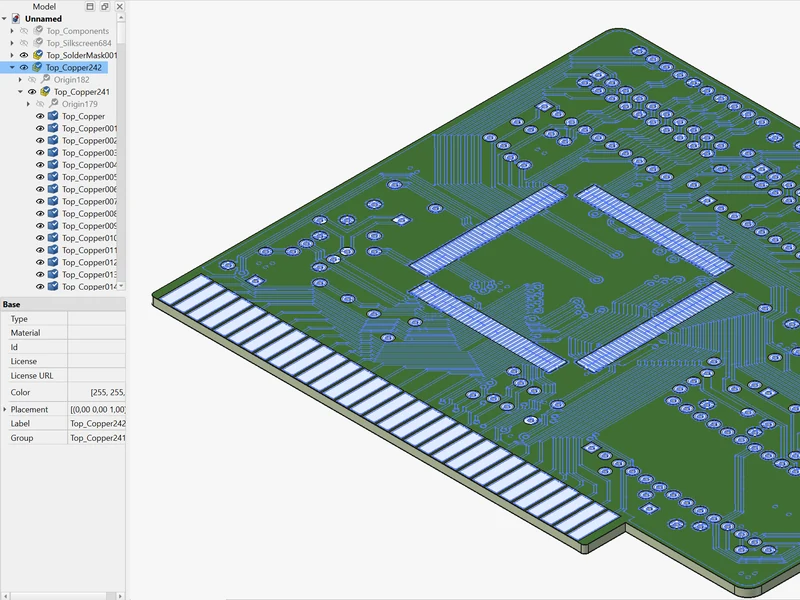
Thermal solver modeEvery copper layer and plated drill, exported in detail and grouped by layer, ready for your thermal solver. Export the layers you have enabled, or all layers and cores.
Electromagnetic simulation
EM field solver modeThe same detail, grouped by net, so you analyze only the nets that matter. Elements don't overlap, and plated drill barrels are segmented where they connect to internal layers.
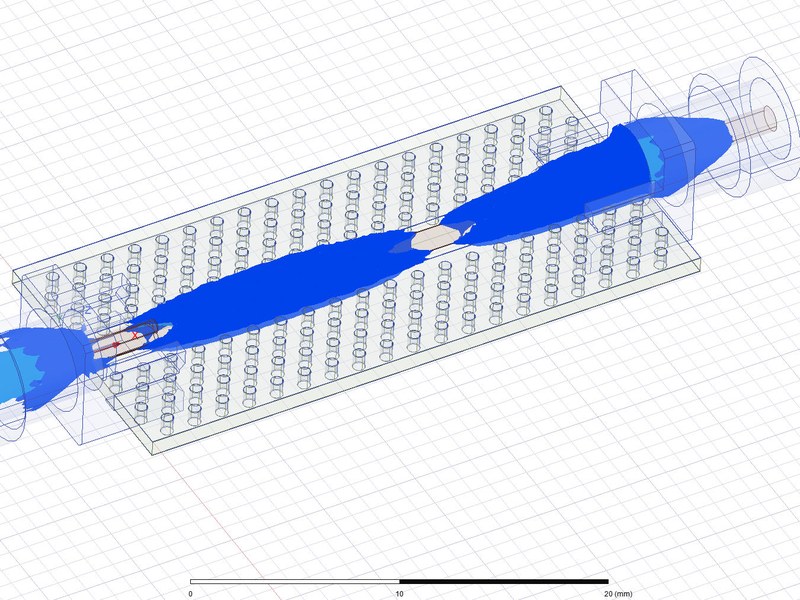
From Gerber files to Ansys HFSS
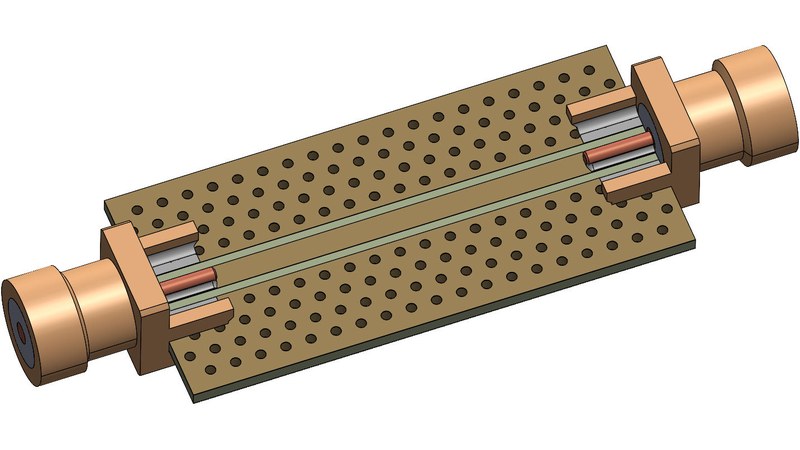
In a joint test case with HPPI, a 50 Ω test board went from its Gerber and drill files to a 3D EM simulation in Ansys HFSS. The ZofzPCB STEP export brought in every via with the correct drill diameter and plating; merging the ground planes and vias into one body took a few clicks. Simulated insertion loss and reflection were then compared with measurements up to 9 GHz.
“ZofzPCB enables seamless 3D model import of PCBs into state of the art 3D EM FEM field solvers.”
Export a STEP file in five steps
- 01Load your board (Gerber, ODB++ or IPC-2581) into ZofzPCB.
- 02Check the 3D view and the component models.
- 03Hide components you want to replace with your own models in MCAD.
- 04Go to File → Export → STEP and choose the export mode.
- 05Choose the file path and press STEP Export.
Open a real export in your CAD
Download a sample board exported in all three modes and open it in your own MCAD before you install anything.
STEP Export plugin
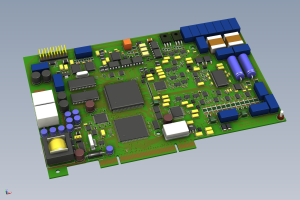
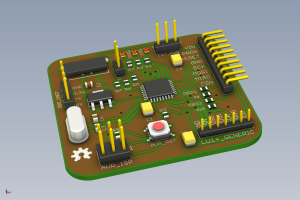
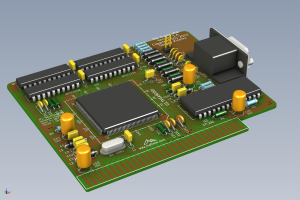
STEP export for mechanical CAD, thermal and EM simulation. Also includes Compare Designs.
Free for 30 days with every download.
Good to know
- Format: STEP AP214 (AP214IS), ISO 10303-21, opens in any MCAD that reads STEP.
- Component names: "Value(RefID)": the value comes from the BOM, the reference designator from the IPC-356 netlist.
- Placement: Every component is built separately and placed individually, even if the model repeats.
- Technology: the STEP export uses Open CASCADE Technology.
- Free to use models: the 3D models created by ZofzPCB are released into the public domain.
FAQ
Q1 Is STEP export free?
STEP Export is a plugin: €99 per year or €299 once, plus VAT, including all updates. It also includes Compare Designs. Every new installation includes the plugin free for 30 days, so you can export your own board before you decide.
Q2 What happens after the 30 days?
ZofzPCB keeps working as a free 3D viewer. STEP Export and Compare Designs need a plugin license: €99 per year or €299 once, plus VAT.
Q3 Which MCAD programs can open the STEP file?
Any program that reads STEP AP214, including SolidWorks, CATIA, Fusion 360 and FreeCAD.
Q4 Can I use my own models for some components?
Yes. Hide those components in ZofzPCB before exporting, then insert your own STEP models in your MCAD tool.
Q5 Can I export from ODB++ or IPC-2581 instead of Gerber?
Yes. ZofzPCB exports STEP from any board it has loaded: Gerber set, ODB++ or IPC-2581.
Q6 Can I use the STEP file for thermal or EM simulation?
Yes. The Thermal solver and Electromagnetic field solver modes export every layer and plated drill in detail, grouped by layer or by net.